
How to Auto-Sequence Engagers From Every New LinkedIn Post
To reach out to everyone who engages with your LinkedIn posts, you must monitor your posts continuously. On every new post, pull the people who reacted or commented, keep the ones who fit your ICP, and add them to a sequence. Engagers are warmest while the post is still top of mind, so this continuous agentic outbound approach beats a one-time list pull. Every new post feeds fresh, warm leads in on its own.
Whose posts to monitor
Your own posts are the natural fit. The people who engage already know who you are, so they're warmer still. (This is the standing version of pulling engagers off a single post of yours.)
- You can also engage with someone else's post if your own posts don't generate much traction yet — a creator's, thought leader's, or competitor's audience overlaps your ICP, so their engagers become your list. (Same idea as building a list from someone else's post, but continuous rather than one-off.)
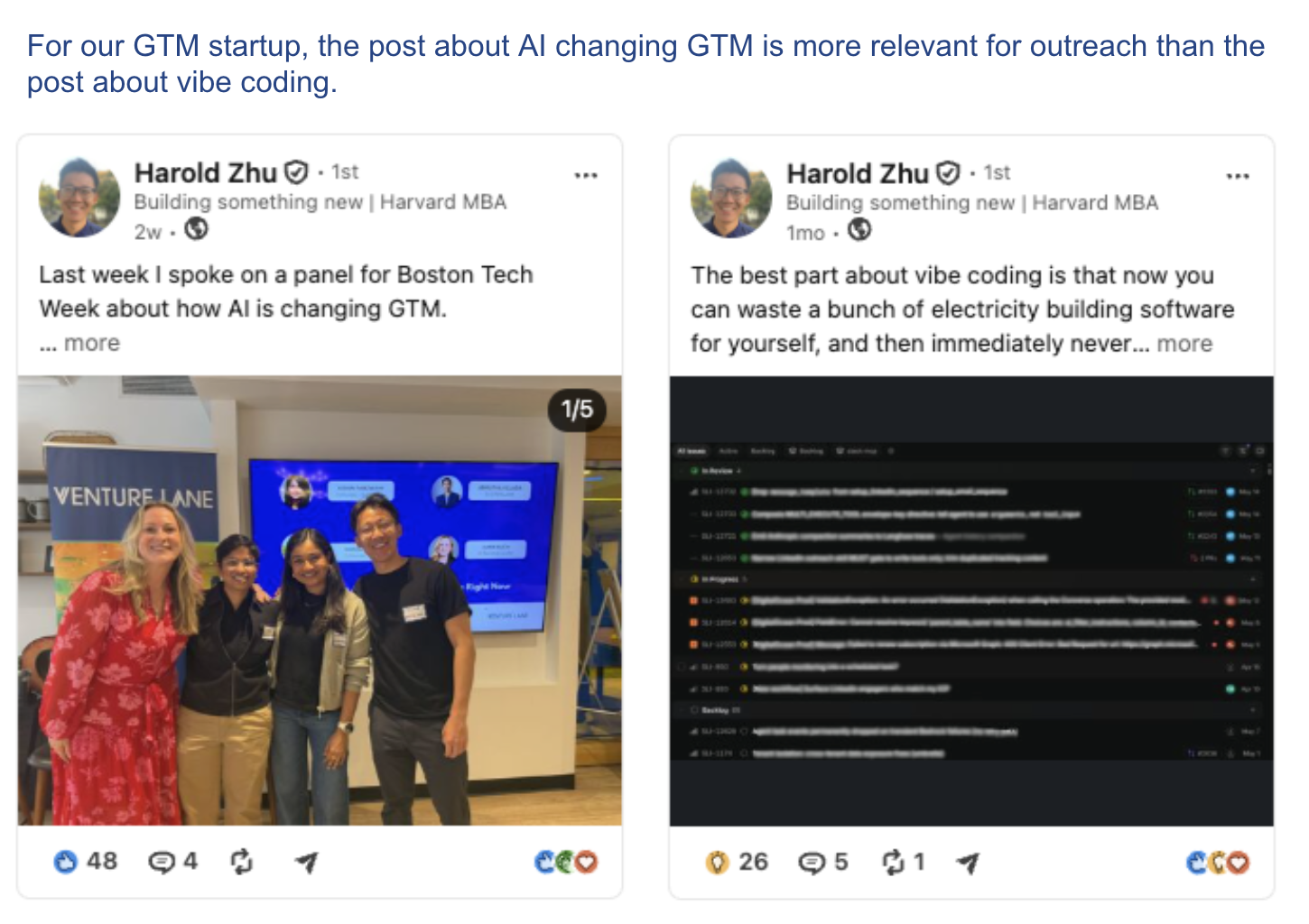
Filter before you sequence
Make sure to filter the engagers down to only people in your ICP, so you spend your time on people who could actually buy instead of everyone who tapped like.
What to send the people it captures
Because every person in the sequence engaged with a specific post, you never have to invent a reason to reach out — the post is the reason. Open by referencing the exact post they engaged with; that's personalization you don't have to dig for. If you warm up the connection first (meaning a react or comment on their own recent activity before you message) you're not a stranger by the time the request lands.
From there it's the standard sequence: a no-note connection request, a short message once they accept that references the post, and one follow-up a few days later if they go quiet.
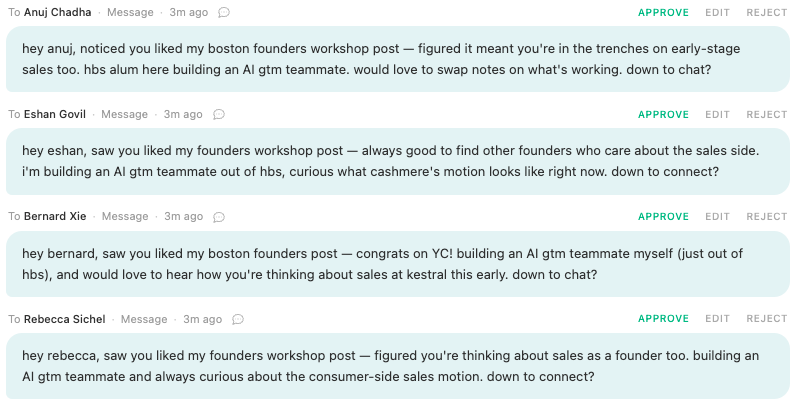
How to automate auto-sequencing post engagers with an AI agent
People who engage with posts are only warm for a few days, and you likely can't catch every new commenter or reactor on your posts fast enough. This is why automating this process is so powerful: instead of monitoring everything yourself, a Sliq agent watches the posts for you. You tell it whose posts to watch and what your ICP is, and on every new post it captures the engagers, keeps the fits, and queues them into your sequence.
Delegate this to a Sliq agent ->
Related workflows
- Turn engagement on your own posts into outreach for the one-time version when you just want to mine a single post
- Build a list from someone else's audience if the posts worth monitoring are a creator's or competitor's, not yours
- Warm up prospects before outreach so you're not a stranger when the request lands
- Personalize your LinkedIn messages to turn the post they engaged with into an opener that lands
- LinkedIn automation workflows
- Browse all GTM plays
Frequently asked questions
How do you automatically reach out to people who engage with LinkedIn posts?
Monitor the posts instead of working from a single one. Pick whose posts to watch — your own, someone else's, or several people — and set a rule that runs on every new post: pull the reactors and commenters, keep only the ones who fit your ICP, and add those people to your outreach sequence. A Sliq agent does the watching and the filtering so each new post quietly produces a fresh batch of warm leads.
Whose LinkedIn posts should you monitor for engagers?
Watch whoever attracts your buyers in their comments. Your own posts work if you post on-topic regularly. If you don't post much, monitor a creator, thought leader, or competitor whose audience overlaps your ICP — their engagers become your list. You can monitor several people at once and let every post they publish feed the same sequence.
Why monitor posts instead of pulling engagers from one post?
Pulling from one post is a one-time list that goes stale the moment you finish it. Monitoring makes it a standing source: every new post adds people who just engaged this week, while they still remember the post. You stop remembering to check, and the freshest, warmest engagers flow in on their own.
Should you filter post engagers before sequencing them?
Yes. A post's engagers are warmer than a cold list but they're not all a fit — a viral post pulls in peers, job seekers, and the curious alongside real buyers. Filter the captured engagers against your ICP (titles, industry, company traits) before anyone enters the sequence, so you're warming up buyers, not everyone who tapped like.
Last updated: August 2026